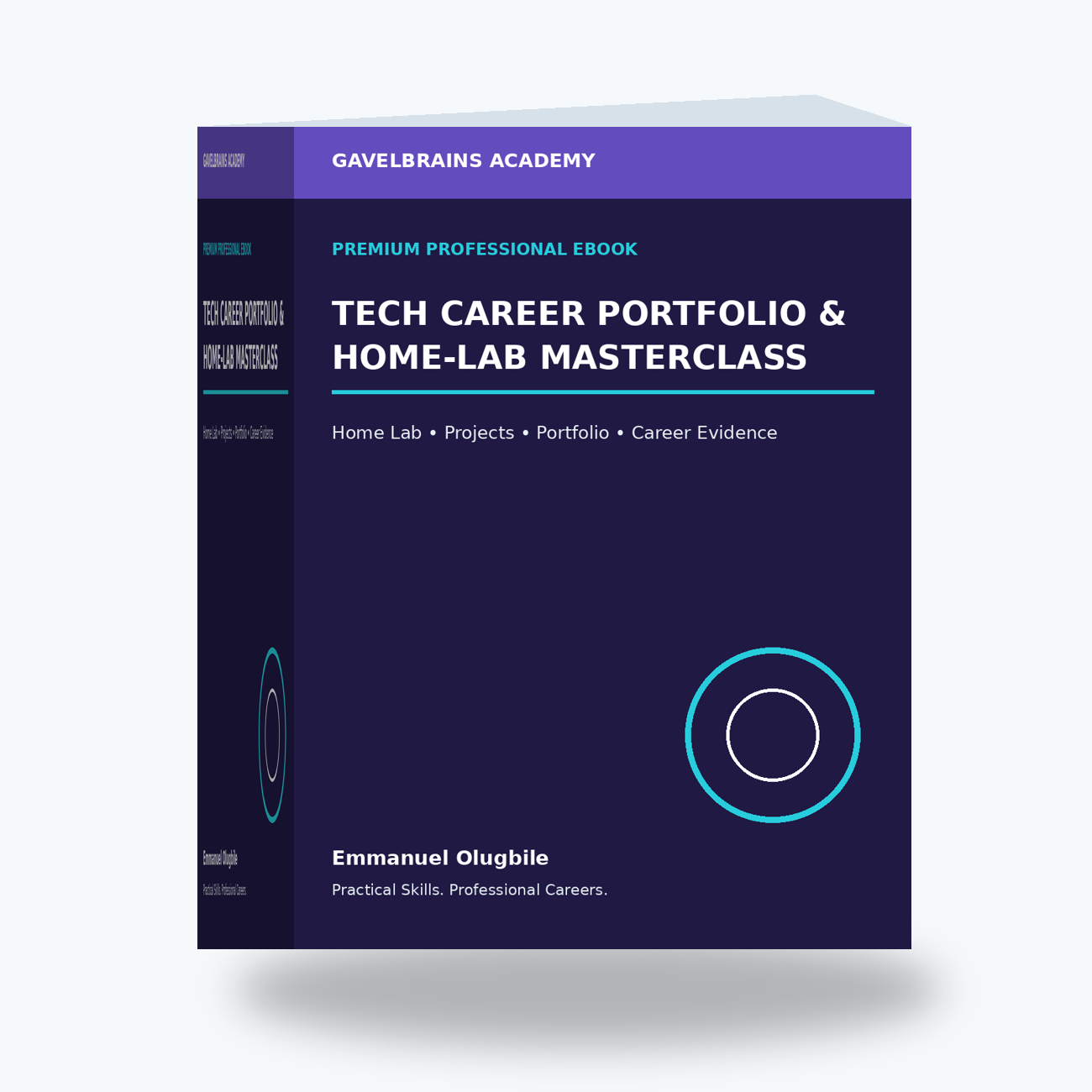
Tech Career Portfolio & Home-Lab Masterclass

Tech Career Portfolio & Home-Lab Masterclass
Stop Just Listing Skills on Your CV. Build Practical Evidence That Shows What You Can Actually Do.
Completing IT and cybersecurity courses is valuable—but employers may still ask:
“What have you actually built, configured, administered or troubleshot?”
The GavelBrains Tech Career Portfolio & Home-Lab Masterclass is a practical career-development program designed to help aspiring and developing technology professionals turn theoretical knowledge into hands-on projects, documented case studies and credible portfolio evidence.
The Masterclass follows a simple professional framework:
LEARN → BUILD → TROUBLESHOOT → DOCUMENT → VALIDATE → SHOWCASE
Key Areas Covered
You will learn how to:
- Design a safe and practical IT home lab
- Build Windows and IT Support projects
- Create networking labs and troubleshooting scenarios
- Develop Active Directory and Group Policy projects
- Build Microsoft 365 administration projects
- Create Azure and cloud labs
- Develop cybersecurity and SOC-style projects
- Build IAM and GRC portfolio projects
- Document technical problems and solutions professionally
- Create architecture and network diagrams
- Capture and sanitize screenshots and technical evidence
- Turn lab work into professional case studies
- Integrate projects into your CV and LinkedIn profile
- Prepare to explain your portfolio during interviews
- Build a structured 90-day portfolio-development plan
Imagine This Scenario
During an interview, the recruiter asks:
“You listed Active Directory, Microsoft 365, Azure and cybersecurity on your CV. Tell me about something you have actually done with them.”
Instead of responding only with:
“I completed some courses,”
you can discuss a clearly identified lab project:
Objective → Environment → Configuration → Problem → Troubleshooting → Evidence → Result → Lessons Learned.
That creates a much stronger professional conversation.
Build Projects Employers Can Understand
Your portfolio could include projects such as an Active Directory domain lab, Microsoft 365 administration case study, Azure deployment, network troubleshooting project, PowerShell automation, IAM lifecycle workflow, cybersecurity risk assessment, SOC investigation simulation, backup/recovery exercise or GRC control assessment.
The Masterclass also emphasizes an important credibility principle: home-lab and simulated projects should be clearly identified as such rather than presented as production experience.
Who Is It For?
Ideal for IT beginners, recent graduates, career changers, IT Support professionals, aspiring System Administrators, Microsoft 365 professionals, cloud learners, cybersecurity students, SOC candidates, IAM/GRC professionals and anyone who needs stronger practical evidence for technology job applications.
Product Price: ₦35,000
GavelBrains Academy
Practical Skills. Professional Careers.
Don't Just Say You Have the Skill. Build It. Document It. Demonstrate It.
This Masterclass is an educational and career-development resource and does not guarantee employment, interviews, certification or salary outcomes. Labs should only be performed on systems, accounts and environments you own or are explicitly authorized to use.